In today’s lesson I created a poster for Ferrari using cut-out text.
I did this by first finding a suitable picture to put in the background. I chose to use a Ferrari Enzo as I felt that it represented the Ferrari brand perfectly as it was named after the creator of the Ferrari franchise. 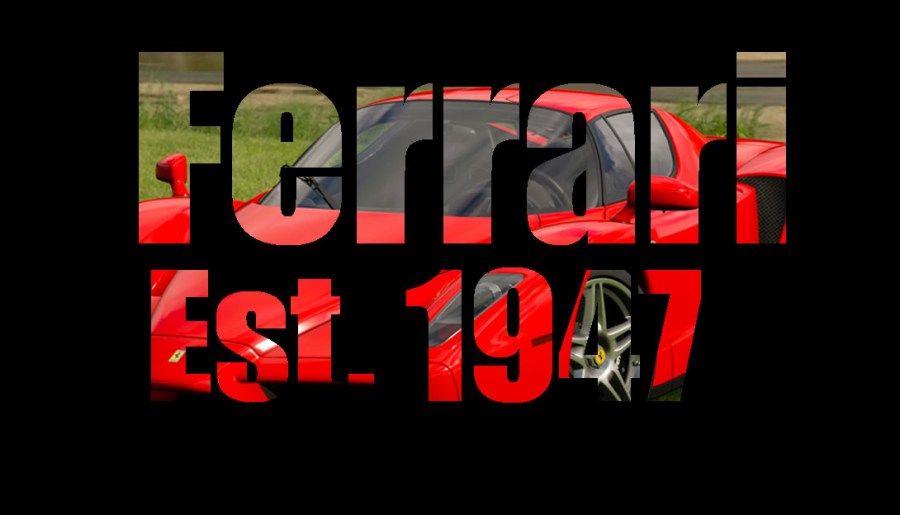
I also recreated a Poster of Mercat Del Ram VIC 2017. To do this I found an image of the bull and an image of the background and then added a white layer to go over the background and for the bull to go through the middle of. I coloured the bull black so that it fitted in ready and didn’t blend in with the other colours. I then made sure that it was perfectly in line with the lettering and the side of the poster and then made sure that it was the correct size also. Unfortunately I made an error and I saved the picture to desktop instead of saving it to my memory stick so I lost the files to the image.

 Fashion Blog by Max Horner
The knockout poster looks professional
LikeLike
Thanks mate
LikeLike
This poster looks brilliant mate
LikeLike
Thanks mate
LikeLike